Add Text to an Image for Free
Add a caption to your photo in your browser. Drag text, choose its font, size and color, and download a PNG for free without signing up.
Last updated: 2026-11-15
Add a caption to a product photo for free
Exported with this browser text editor: a new caption is placed over the photo. Try it to change the text, font, color and position, then download a PNG without an account. Existing image lettering is not replaced.
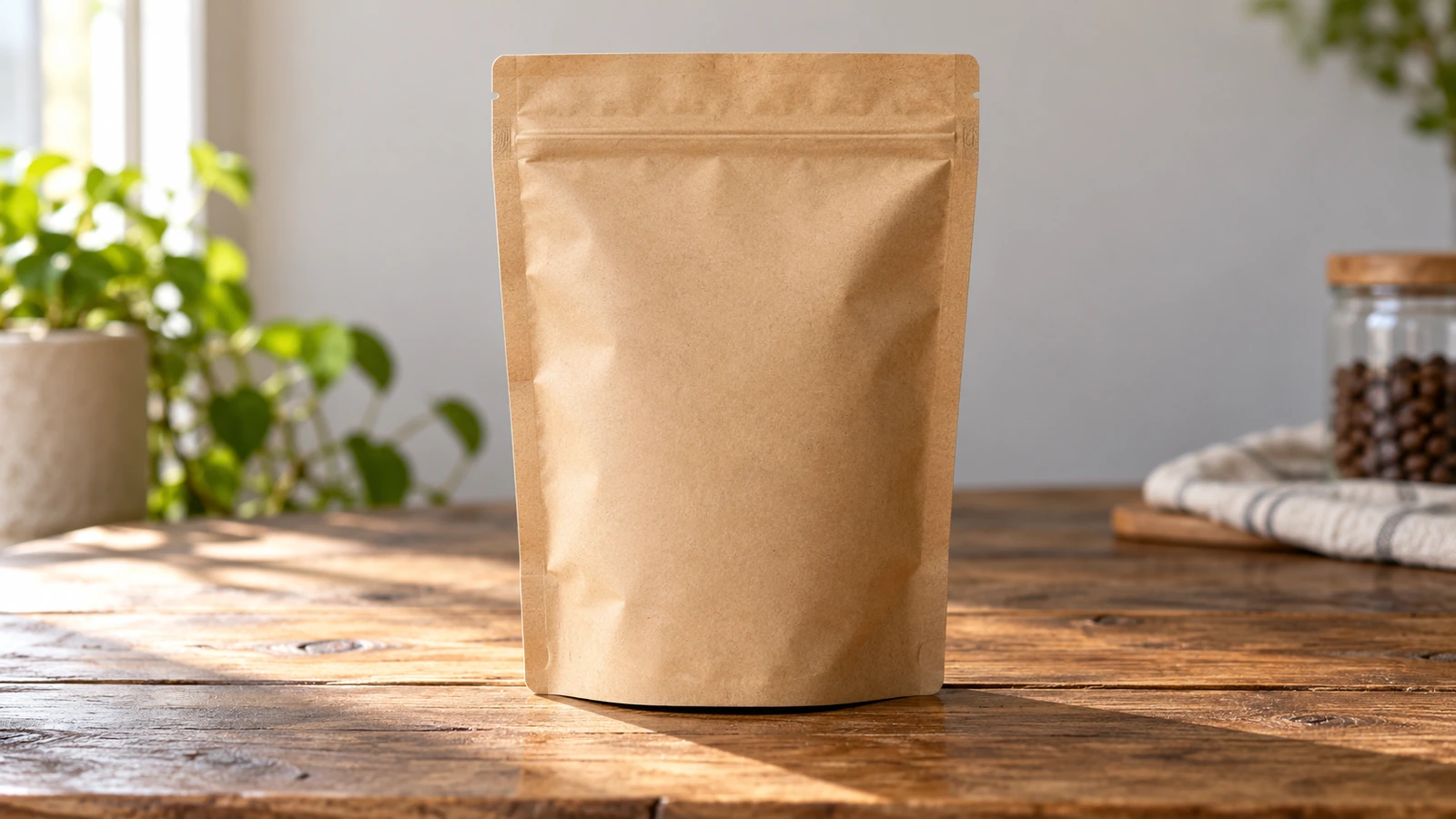
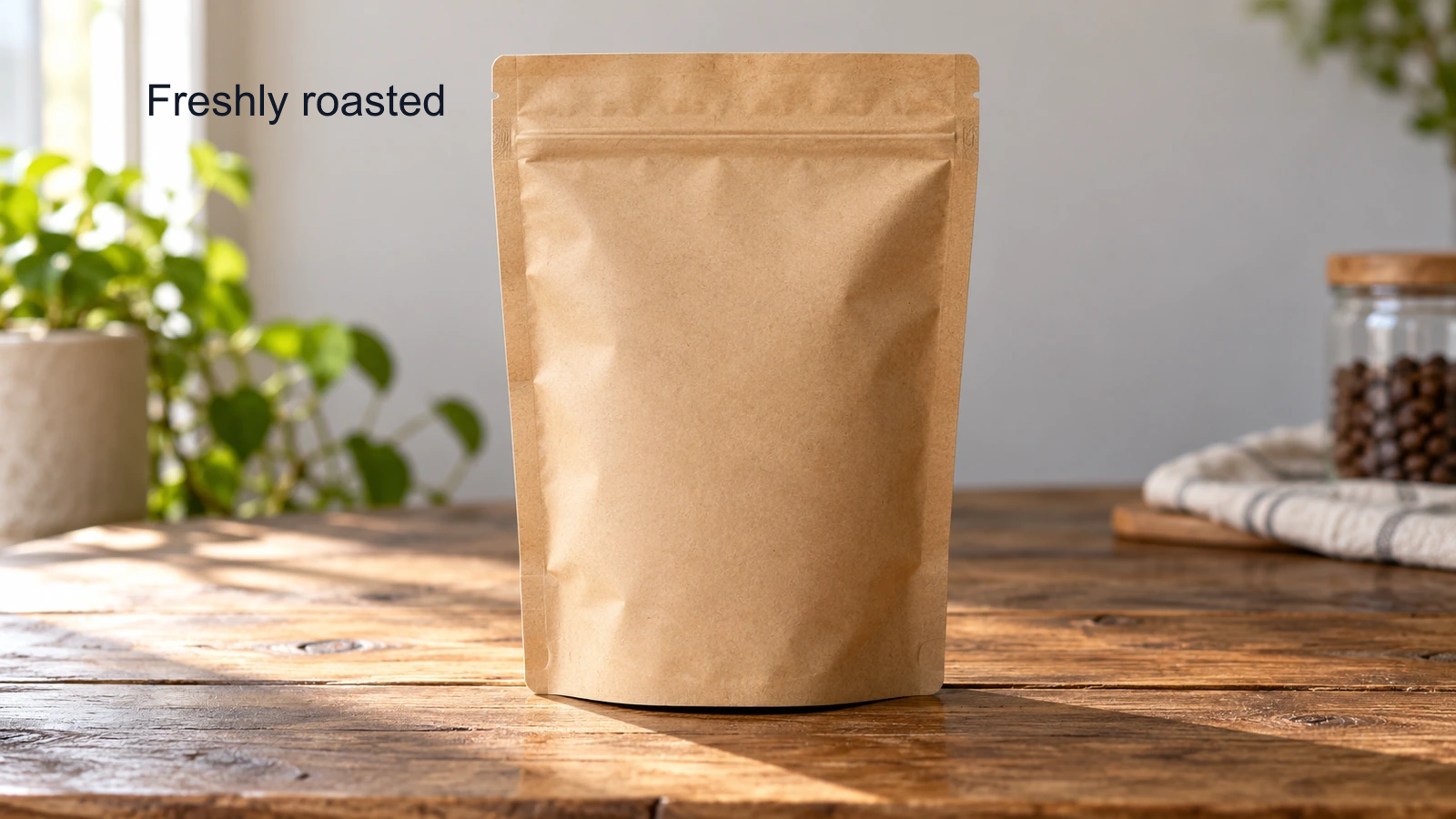
Free browser editing and PNG export.
Add a caption in three steps
- Upload your JPG or PNG in the editor above. Stay in Add text mode for free browser editing.
- Type your caption. Drag it into place and adjust the font, size and color while watching the preview.
- Download a PNG at the original image dimensions. No account or AI credits are needed for this workflow.
Make the words readable
For a product photo, place a short sale caption in empty space instead of covering the product. For a personal photo, keep the message away from faces. Preview narrow images on a phone and check contrast against both light and dark areas.
This adds a flat caption over the photo. It does not erase existing words or make lettering follow a curved package. Your local photo stays in the browser during free caption editing; AI replacement and removal are separate workflows that upload the image and use credits.
Frequently asked questions
Is downloading free?
Yes. Adding text and exporting the PNG require neither sign-in nor credits.
Can I replace words already printed in the image?
Adding a caption does not remove old text. Use edit text in an image, screenshot text editing, or JPG text editing for an AI replacement. Those workflows require sign-in and credits.
Does the download keep my photo size?
The caption export preserves the source image dimensions and uses PNG. Upload the highest-quality original available; export cannot restore missing detail.
Can I match the font already in the picture?
Choose an available font for your caption. For replacing existing lettering with an approximate visual match, see the same-font workflow. Exact font recovery is not guaranteed.