Edit Text in a JPG or JPEG Image
Correct words in a flattened JPEG and check small lettering and the downloaded format.
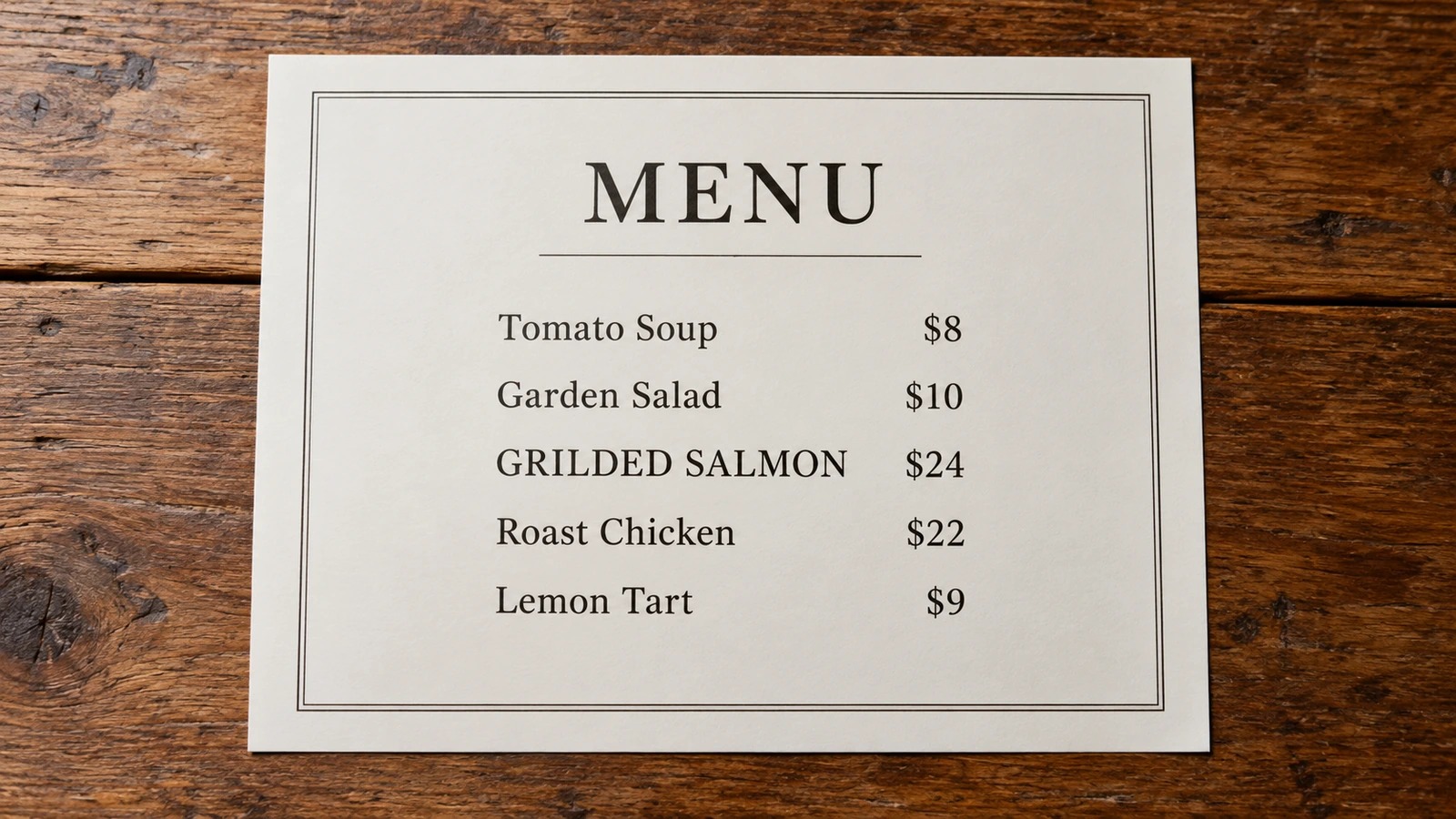
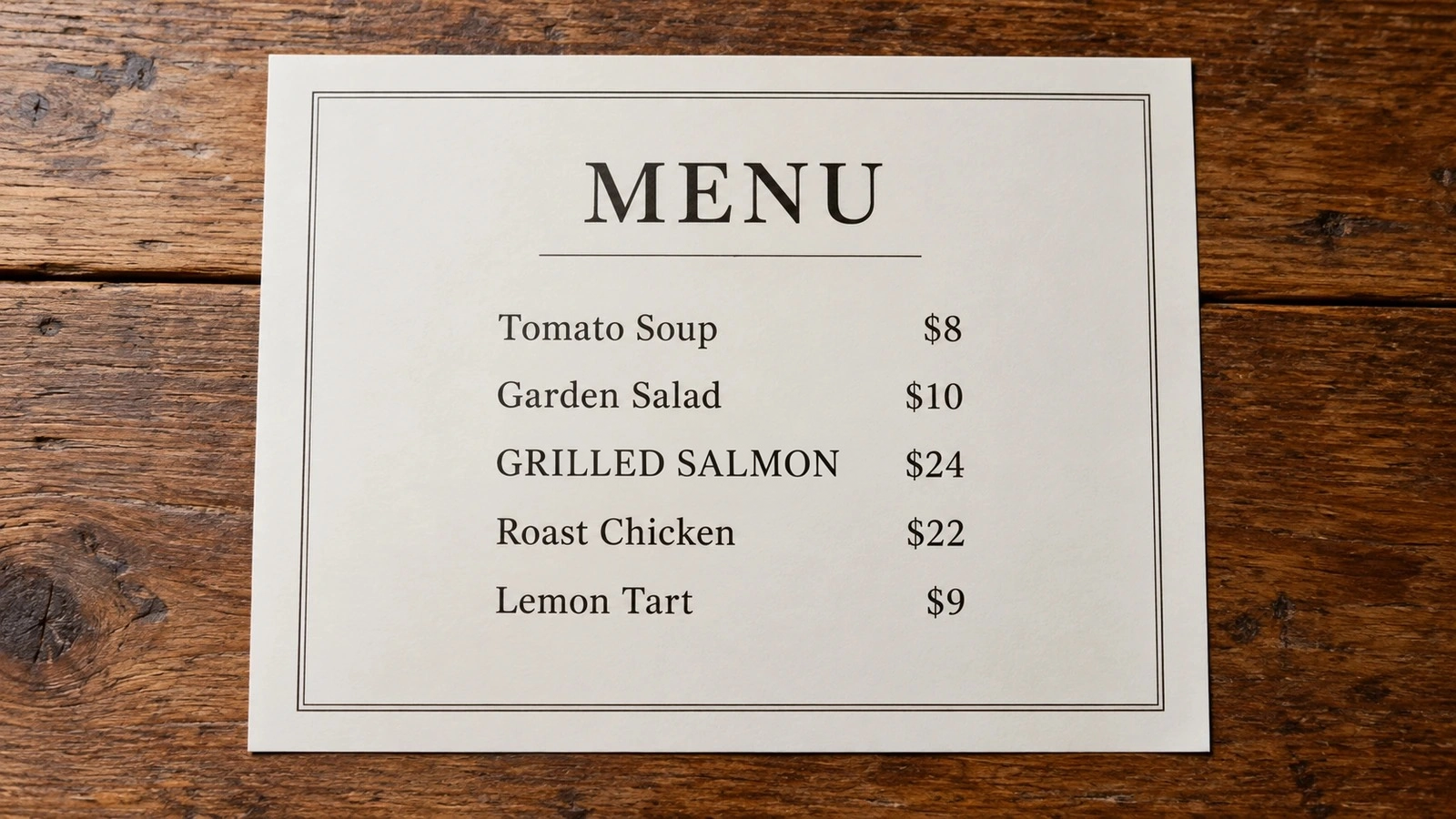
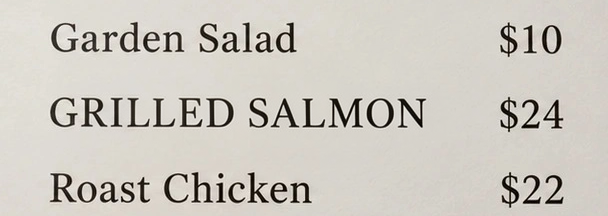
Correct a typo in a flattened JPG menu
Actual AI output from a JPEG input: GRILDED SALMON becomes GRILLED SALMON. The displayed result is PNG. Compare the surrounding menu lettering too: AI can change details, and a larger output cannot restore missing source detail.
Open image to inspect details
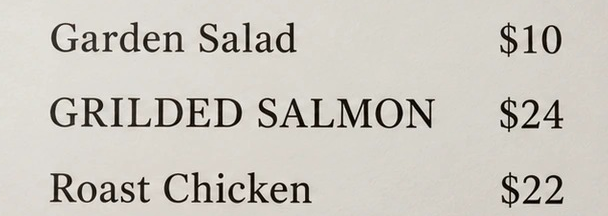
Detail comparison · crops from the full images
Loading an example is free. AI editing requires sign-in and credits; no generation starts automatically.
Edit text in a JPEG in three steps
- Upload a clear JPEG. Use the clearest JPG or JPEG available, up to 10 MB. Keep the original export for comparison.
- Set up the correction. Enter the existing words and the correction. Mark the area or describe the line if the text is small or repeated.
- Check the result and format. Check the credit cost and generate. Zoom in to inspect the words and check the downloaded file format.
Check detail and file format
Zoom in on the lettering
Look at punctuation, thin strokes and nearby lines. Compression can obscure original detail, and a larger output cannot restore it.
Check what you downloaded
The input may be a JPEG while the result is PNG or another format supplied by the generation service. If you need a JPG deliverable, inspect the result and convert a copy after downloading. If your source is already a PNG, use the PNG text editor.
Frequently asked questions
Can I double-click the text to edit it?
No. The words are part of the pixels. Enter the exact original and replacement text; this tool does not expose editable text layers or OCR word selection.
Is JPEG text replacement free?
AI replacement requires sign-in and credits. Review the displayed cost before submitting. If you only need a new caption, add text for free without AI.
Can it keep the same font?
AI can approximate the existing letter shapes, spacing and perspective. See same-font text editing for a comparison checklist. Use the original design file for exact typography.
What if the JPG is a screenshot?
Use the screenshot editing guide to check UI labels, icons and borders after a replacement. The general text editor covers other image types.
Last updated: 2026-11-15